How can you ensure your website is user-friendly?
Today, even if your product/service offers solid added value, the website on which you offer it must provide an enjoyable user experience.
You are not alone in the market, and your competitors know that a website that is difficult for the user to navigate is a deal-breaker.
A simple platform that allows visitors to easily find what they need, when they need it, is therefore a must. This is what we call an ergonomic website.
In general terms, ergonomics focuses on the relationship between humans and machines. It involves how a device, software, or system is used or perceived.
The ultimate goal of ergonomics is to provide users with adapted objects that they can use comfortably and safely. This principle applies equally to websites.
In the following sections, we share the fundamental rules to follow to ensure the ergonomics of your website.
Here is what we will cover throughout this article:
- Better understanding web ergonomics
- The qualities of an ergonomic website
- The impact of an ergonomic site on your business
- Who to call to ensure your website’s ergonomics
Better understanding web ergonomics
Everything included in an interface that allows for easier, more efficient, and more pleasant use falls under website ergonomics.
The goal is a simple interaction between the user and the website. To identify the main components of ergonomics, ask yourself the following questions:
- Is it simple to learn how to use your site and accomplish basic tasks?
- Does the interface offer pleasant navigation to users? Is it satisfying?
- Is the interface efficient? Can users complete their tasks quickly enough?
- If a user returns a second time, can they remember how it works?
- Are there recurring errors made by users on the interface?


By answering these questions, you will cover the usability of your site and be able to act on it.
Obviously, the key element remains utility, but that relates more to the nature of the product or service offered.
Your mission is to ensure that your useful content is presented in a usable container.
What are the essential foundations for website ergonomics?
An ergonomic site is a clear site
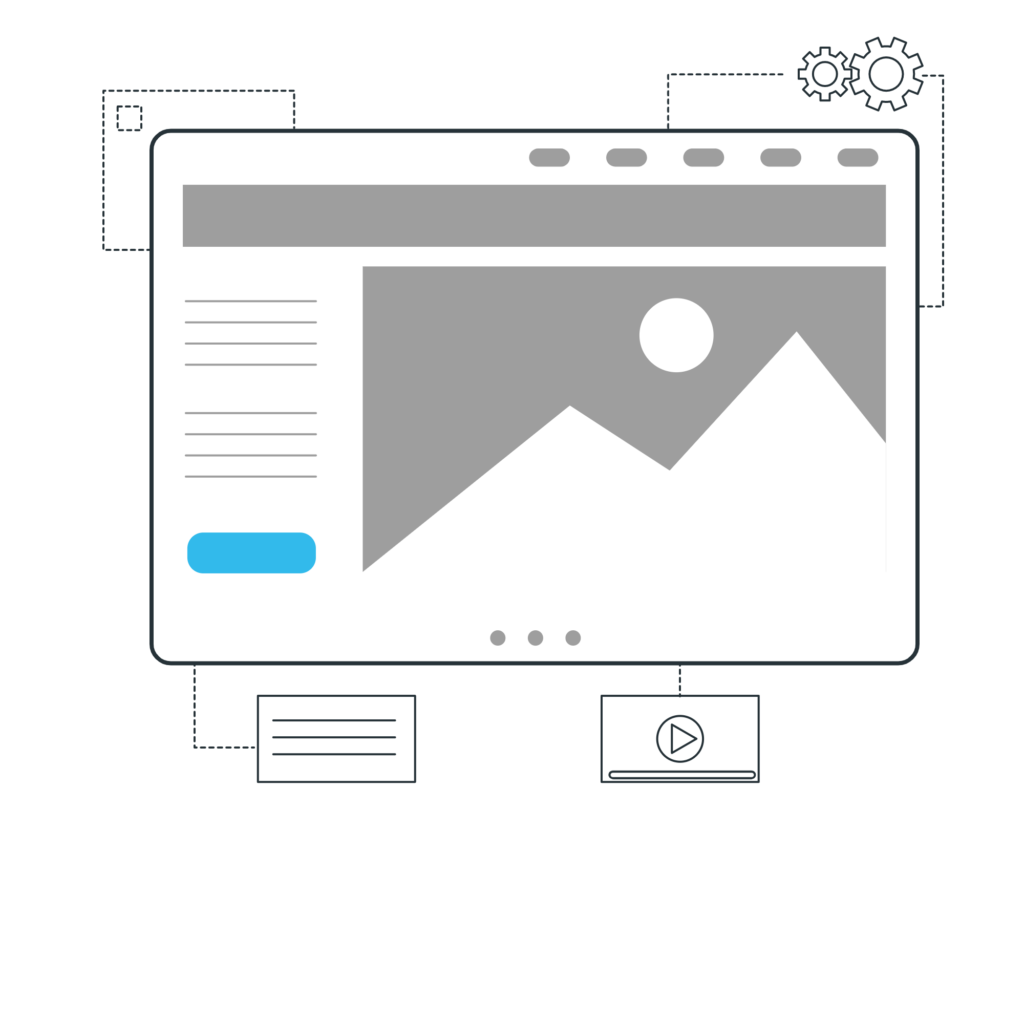
The mistake not to make is presenting users with content they don’t understand. People don’t buy what they don’t understand, and this is especially true for e-commerce sites.
To pass this first step of website ergonomics, present your product and service descriptions, prices, value proposition, and market positioning as clearly as possible.
Why make it complicated when you can make it simple? Your text doesn’t need to be complex; on the contrary, it needs to be straightforward.
A clear and instantly understandable interface is also built on the technical side: the responsiveness of the display directly influences the user’s perception of clarity. Vue.js develops lightweight and intuitive web interfaces, whose smooth rendering directly contributes to the desired sense of simplicity and immediacy.
Being accessible
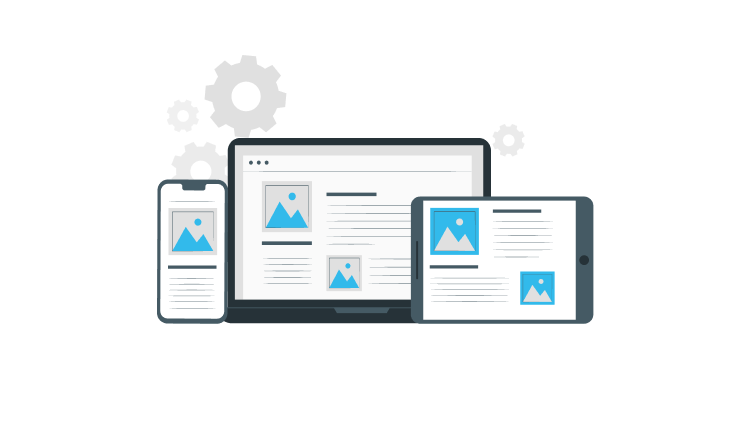
A website that works on all devices and browsers is now a non-negotiable requirement. To meet this technical need, Next.js ensures that websites are responsive and accessible across all platforms, thanks to its hybrid rendering, which guarantees an optimal experience regardless of the device used.
Whatever health issues a user may have (visually impaired, disabled, etc.), it is essential to design the site so as not to exclude anyone.
This necessarily involves:
- choosing the right colors for good contrast;
- choosing a design that adapts to all screens;
- incorporating translations or captions into your videos;
- integrating alt-text descriptions for your images;
- considering a maximum range of browsers during code development.
Managing friction points
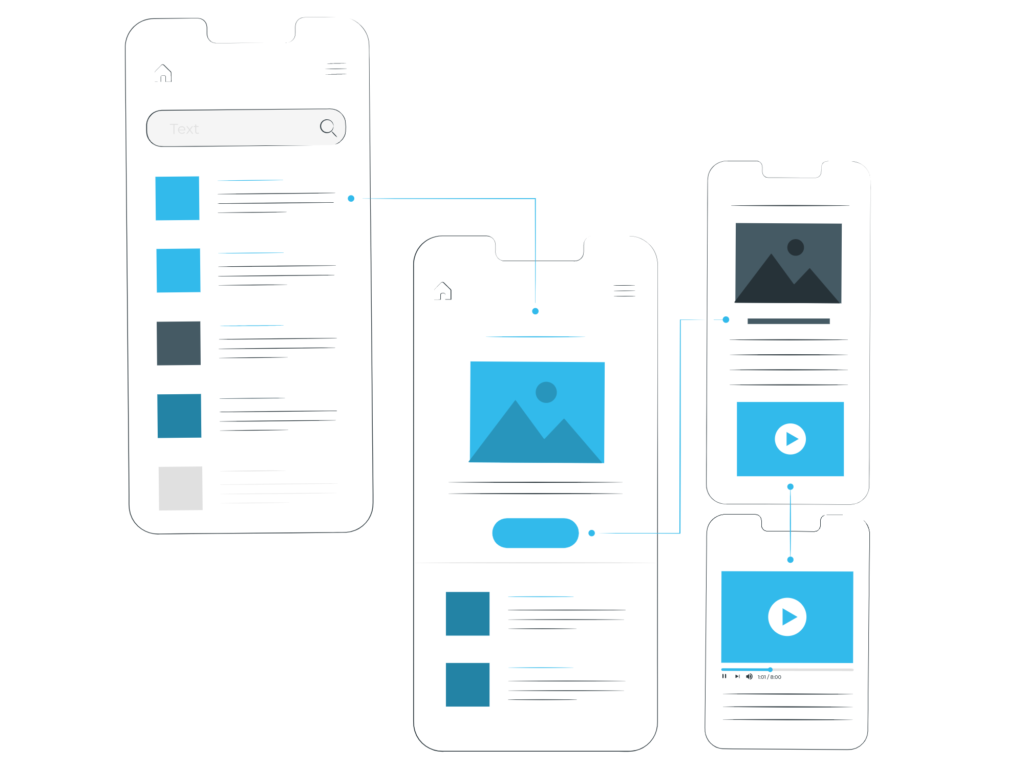
A friction point can be related to the content or form of a website. It could be a spelling error, a slow loading time, links pointing to error pages, unsuitable content…
A friction point can therefore compromise the user experience and prevent conversion.
While it is almost impossible to totally eliminate all friction points from a website, they can be managed to minimize their impact.
To do this, avoid anonymous sites, insufficient information, sloppy design, incomprehensible interfaces, long forms, etc.
Presenting a conventional and quality design
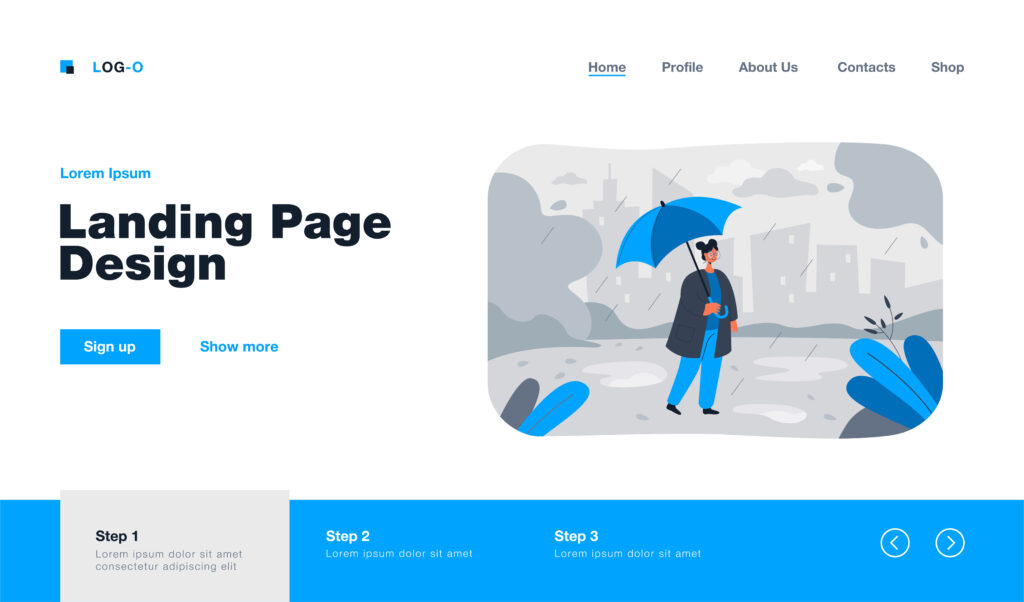
Even before reading, the user must discern what is important from what is less so on your site.
By creating a relevant visual hierarchy, you organize your content so that the user can be easily and quickly directed to what interests them most.
Respecting web conventions
Wanting a site arranged exactly as you imagined is legitimate, but it is also necessary to respect usage standards.
A site that does not meet these standards is a site that can be difficult for the user to understand and, therefore, a site that risks driving them away.
Among these conventions, we mainly have:
- the menu located at the top or on the left,
- the logo that links back to the home page,
- contact information in the footer.
Presenting a quality design
A few seconds are enough for a user to judge your site. If you don’t want them to find it unappealing, it is best to entrust its design to a professional.
It’s not about imposing a style that isn’t yours, but rather finding the right compromise between your vision and the most sensible choices.
Avoid a clutter of colors and animations. Minimalism and simplicity should be the watchwords of your design.
Don’t fall into extremes either, at the risk of ending up with a site that conveys no brand image. Find the right balance instead.
Offering a clear customer journey
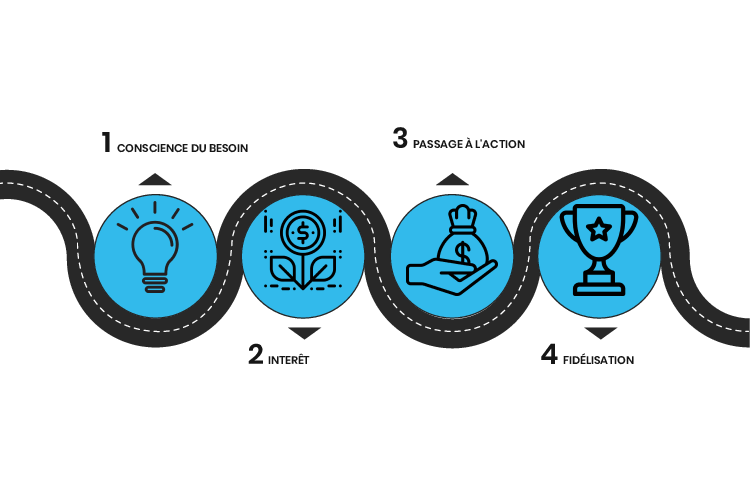
Imagine the customer journey as the path a user takes from the moment they feel a need until they finalize their purchase.
Countless diagrams can illustrate a customer journey, but we can identify four main stages: awareness of the need, consideration of solutions, taking action (the purchase), and loyalty.
Optimizing every stage of the customer journey from initial awareness to customer loyalty requires a modular and consistent interface across all pages. Angular structures complex user flows with precision and fluidity, thanks to its component-based architecture, which ensures a seamless experience at every stage of the conversion funnel.
Inspiring trust

Today’s internet users are wary, and for good reason—scams are numerous. Your site must therefore inspire trust in its users.
To ensure the person using the site feels at ease, make sure to:
- Guarantee security: use HTTPS, ensure payments are regulated…
- Publish legal notices, privacy policy, and terms of use.
- Highlight social proof (reviews, testimonials).
- If possible, use trust labels and seals (PayPal, McAfee, Norton, etc.).
This way, you can remove any doubts regarding the authenticity of your website and, by extension, your company.
Fast loading times

A slow site is a site that is quickly forgotten. Don’t expect to build visitor loyalty if you can’t guarantee fast access to what they need.
The Google Webmaster Guidelines are clear: “Optimize your page loading times. Fast sites contribute to user satisfaction and improve the overall quality of the Web (especially for users with slow Internet connections).“
There is no secret: to continually offer a site that loads quickly, ongoing maintenance must be ensured, including:
- Choosing the right hosting plan.
- Optimizing media files (image sizes, page sizes…).
- Enabling browser caching.
- Placing high-priority content at the top of the page (above the fold).
Ongoing maintenance is essential to ensuring that a website remains fast and high-performing over time. The choice of backend framework plays a crucial role in this equation: Ruby on Rails optimizes your website’s performance through its convention-over-configuration architecture, which reduces server response times and facilitates ongoing maintenance.
What impact can an ergonomic site have on your business?
You have no choice but to follow the basic rules of ergonomics.
On one hand, they are necessary for your site to function properly; on the other, they prevent users from leaving for minor reasons.
The ever-increasing range of options has resulted in visitors with ever-higher expectations.
This has led to the creation of a typical user who tends to lose patience quickly.
At the slightest problem encountered on your platform, they won’t take time to think; they will simply leave.
On the other hand, an ergonomic website, correctly designed to offer fast navigation without confusing the user, will allow you to:
- increase your conversion rate;
- optimize user experience;
- increase traffic across your site’s various pages;
- decrease bounce rate;
- improve your brand image;
- build user loyalty.
Consider including web ergonomics when planning your website creation budget.
What professional should you call regarding web ergonomics?
UI (User Interface) and UX (User Experience) designers are respectively responsible for interface design and user experience.
These two types of web designers are the closest thing to web ergonomists. Their job is to make users’ lives as easy as possible across different platforms during navigation.
The heart of this profession is optimizing interaction with mobile and web platforms and implementing a customer journey that leads to conversion.
Ultimately, a good site is not just a matter of pleasant visuals, and it is even less a matter of chance.
Encouraging your visitors to take the plunge will require an ergonomic study conducted before the custom web development stage.
This is where Aventique comes in. We can guarantee an optimal result: a site where visitors easily find the information they seek, where they move quickly, and where they take action. So, don’t hesitate to request a quote! 😉