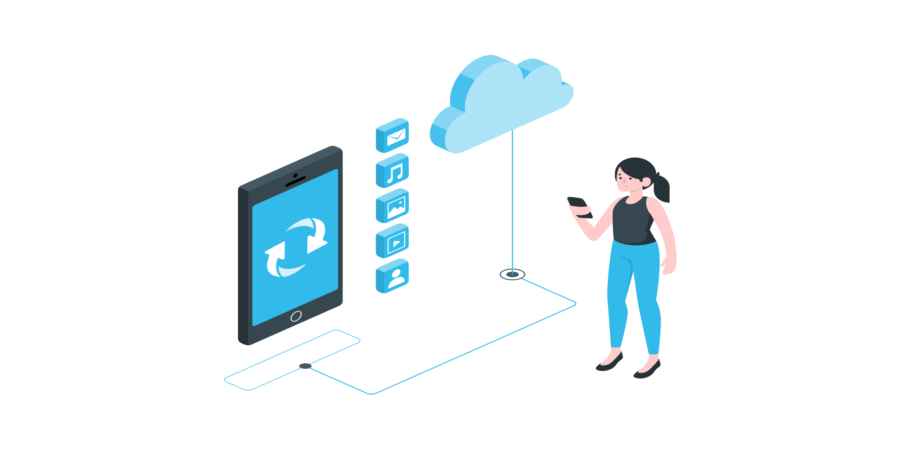
What is deep linking?
Deep linking has become an essential technique in mobile marketing today. This method of redirecting the user directly to specific content within a mobile application is just as useful for app developers and publishers as it is for its users.
What does this technique consist of? How does it work? Why is it truly beneficial? And most importantly, how do you deploy it? Let’s explore all of this together.
What is deep linking?
In the mobile world, deep linking solves a problem that has long bothered app publishers. If you share a link to specific content within a mobile app with your friends or other contacts, it would normally open in your mobile web browser—even if the user already has the app installed—which is anything but practical.
Mobile deep linking now allows you to redirect the user to specific content within an application by opening it directly instead of going through a browser, via a deep link.
A deep link is a specific link designed to send a user to a precise page or product, rather than just redirecting to the application’s homepage.
The simplest example of a deep link would be a link leading to a specific Facebook profile, instead of simply redirecting to the news feed.

How does deep linking work?
Whether it is shared/sent via SMS, email, messaging apps, or even through an Ad, a deep link fulfills the same function: Redirecting the user to specific content.
But what if the application is not installed on the user’s device? This brings us to the next point. There are currently 3 types of mobile deep links:
- Standard Deep Link: The most widely used form. This deep link only works if the user has the application installed on their mobile. Otherwise, an error message is displayed.
- Deferred Deep Link: Overcoming the error message flaw of standard deep links when the app is not installed, the deferred deep link sends the user to the application’s installation page on the App Store or Play Store.
- Contextual Deep Link: Very similar to deferred deep links, contextual deep links offer additional advantages. They allow for collecting user data based on their clicks and designing more personalized links.
iOS 9.0 was marked by the advent of “Universal Links,” deep links that point to specific app content if it is already installed.
Otherwise, the deep link redirects to the web equivalent of the content by opening it in the Safari web browser. The Android equivalent exists under the name “App Links.”
However, the latter are less commonly used due to their incompatibility with all widespread versions of the OS. Google has not yet announced any special interest in the matter.
What is the purpose of deep linking?
It is legitimate to wonder about the concrete benefits of using deep linking. We have summarized them in a few points:
- On iOS, deep links can reportedly increase conversion rates by 40%, according to Yeeply!
- Greatly improves the user experience by avoiding detours and unnecessary clicks, saving time and increasing comfort.
- Data collected by contextual deep links allows for perfecting the user experience.
- Boosts retention rates by retargeting users who already have the app but are no longer using it. Retention rate is one of the essential KPIs for an application’s success.
- Allows for more precise tracking of return on investment (ROI) for your campaigns by accessing data collected by contextual deep links. The processing and storage of this data on the server side can be handled by robust technologies such as .NET, which is commonly used in data-driven architectures. Example: which channel generated the most traffic? SMS? Email? App-to-app?
How to implement it?
In 2014, Facebook was one of the first to deploy an open-source solution allowing Android and iOS mobile developers to create deep links. This solution is still accessible.
Another option is the Branch platform, which also supports iOS and Android apps. On the server side, managing redirects and collecting data from contextual deep links requires a reliable backend. Frameworks like Django or NestJS are particularly well-suited for exposing the APIs that orchestrate these redirects. Branch offers a basic plan available for free, as well as paid advanced plans.
Naturally, Apple and Google offer their own assistants: the iOS solution for Universal Links and the Android App Links assistant.
Other questions about deep linking
What is a deeplink?
A deep link is a specific link intended to direct a user to a precise page or product, rather than just redirecting to the mobile application’s homepage.
Is deep linking necessary?
Although deep linking is not mandatory for deploying a mobile application, it does offer numerous advantages.